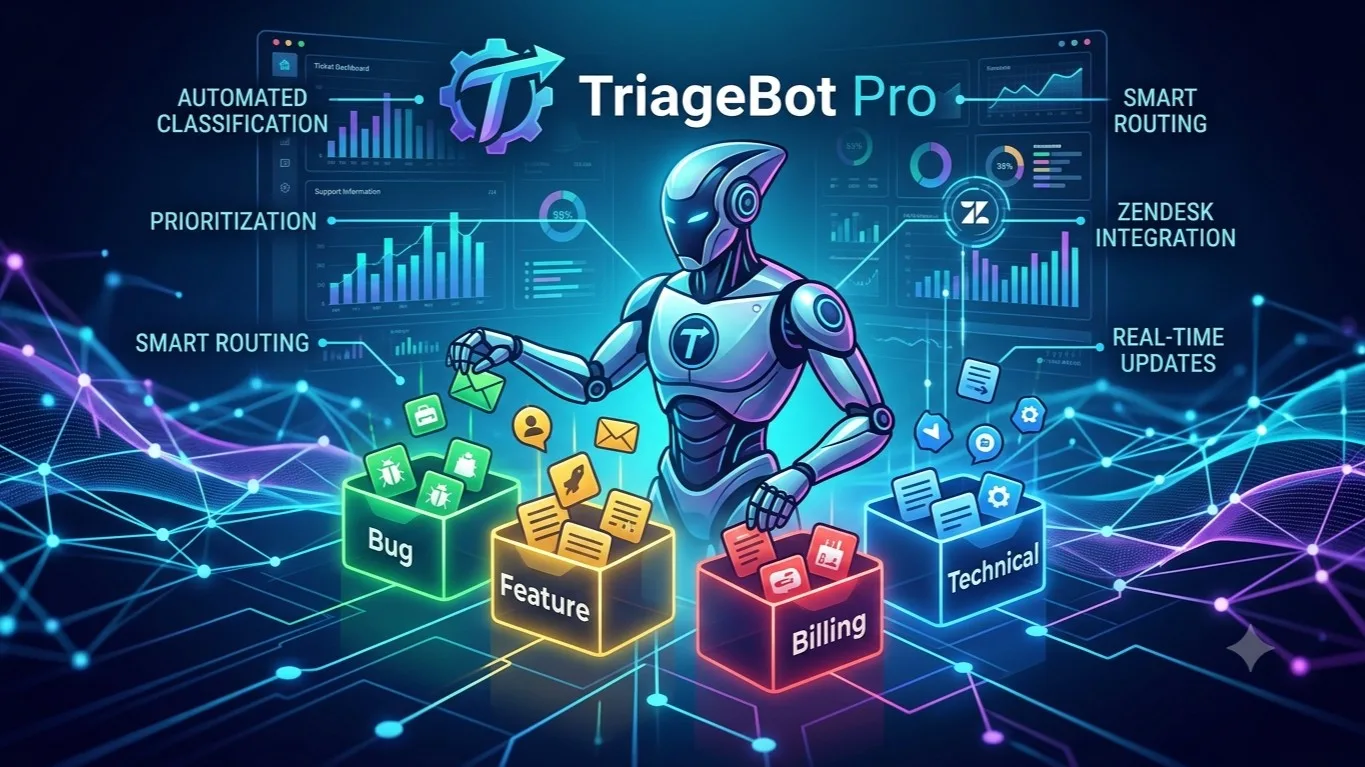
TriageBot Pro
Level 1 New
Overview TriageBot Pro is an AIpowered support triage agent that automatically classifies, prioritizes, and routes Zendesk tickets in realtime. Designed for customer success and support teams drownin…
 Customer Support
How this Pal works
Screenshots
Description
Overview
TriageBot Pro is an AI-powered support triage agent that automatically classifies, prioritizes, and routes Zendesk tickets in real-time. Designed for customer success and support teams drowning in ticket volume, this agent eliminates manual triage bottlenecks by instantly categorizing tickets by type and urgency, drafting personalized first responses, and routing cases to the right agent or team. Support teams using Zendesk integration can reduce first response time from hours to minutes while ensuring critical issues get immediate attention.
How It Works
-
Fetch New Tickets (Zendesk) — Scans for newly created tickets every 15 minutes or upon webhook trigger, retrieving all unprocessed support requests with metadata including status, priority, and assignee information.
-
Retrieve Full Ticket Details (Zendesk) — Pulls the complete ticket body, attachments, and custom fields for comprehensive context needed for accurate classification.
-
Classify Ticket Type & Priority (Claude Haiku) — Uses lightweight AI classification to instantly determine ticket type (Bug, Feature Request, Billing, How-To, Outage, Complaint) and priority level (Critical, High, Medium, Low), plus estimated resolution time.
-
Identify Best Support Agent (Zendesk Users) — Queries the agent directory and their current queue load to find the most qualified and available team member for each ticket.
-
Determine Routing Group (Claude Sonnet) — Applies intelligent routing logic to assign billing inquiries to the billing team, technical bugs to engineering-facing support, and other ticket types to appropriate groups.
-
Draft First Response (Claude Sonnet) — Generates a personalized, empathetic initial response that acknowledges the issue, offers immediate troubleshooting steps or next actions, and sets clear resolution expectations.
-
Add Draft as Internal Note (Zendesk) — Posts the AI-generated response as an internal comment so support agents can review, edit, or approve before sending to the customer.
-
Update Ticket Routing (Zendesk) — Assigns the ticket to the appropriate agent or group, sets priority flags, and applies tags for downstream tracking and reporting.
-
Escalate Urgent Tickets (Slack) — Automatically alerts the
channel with critical tickets, including full context and direct Zendesk link for immediate action. -
Create Bug Issue (Linear) — For bug-type tickets, automatically generates a Linear issue with customer-reported details, impact assessment, and backlink to the original Zendesk ticket.
Key Features
- Instant Ticket Classification — Automatically categorizes tickets by type and priority using AI, removing manual triage delays and human error.
- Smart Agent Matching — Routes tickets to the best-fit agent based on expertise, availability, and current workload for optimal resolution speed.
- AI-Drafted First Responses — Generates empathetic, contextual first responses that acknowledge customer issues and provide immediate value, all reviewed by support staff before sending.
- Real-Time Escalation — Critical tickets trigger instant Slack notifications to ensure urgent issues never slip through the cracks.
- Unified Issue Tracking — Bugs automatically create corresponding Linear issues, keeping engineering and support teams synchronized without manual handoffs.
- Webhook & Scheduled Triggering — Works with both real-time ticket creation webhooks and 15-minute polling intervals for flexible integration with existing Zendesk workflows.
Use Cases
- High-Volume Support Teams — A SaaS company receiving 500+ tickets daily uses this agent to instantly triage incoming requests, reducing manual sorting time by 80% and enabling support staff to focus on complex issue resolution.
- Multi-Tier Support Routing — A tech startup routes billing questions directly to the revenue team, bug reports to engineering, and feature requests to product management automatically, eliminating miscategorized tickets.
- Emergency Response — A production outage generates a Critical-priority ticket that is instantly flagged in Slack, assigned to the on-call engineer, and documented in Linear before the first support agent reads the ticket queue.
- Customer Experience Improvement — E-commerce merchants reduce customer frustration by receiving AI-drafted acknowledgment responses within 2 minutes of ticket creation, setting clear expectations even when human support staff are at capacity.
More by smith
 VI
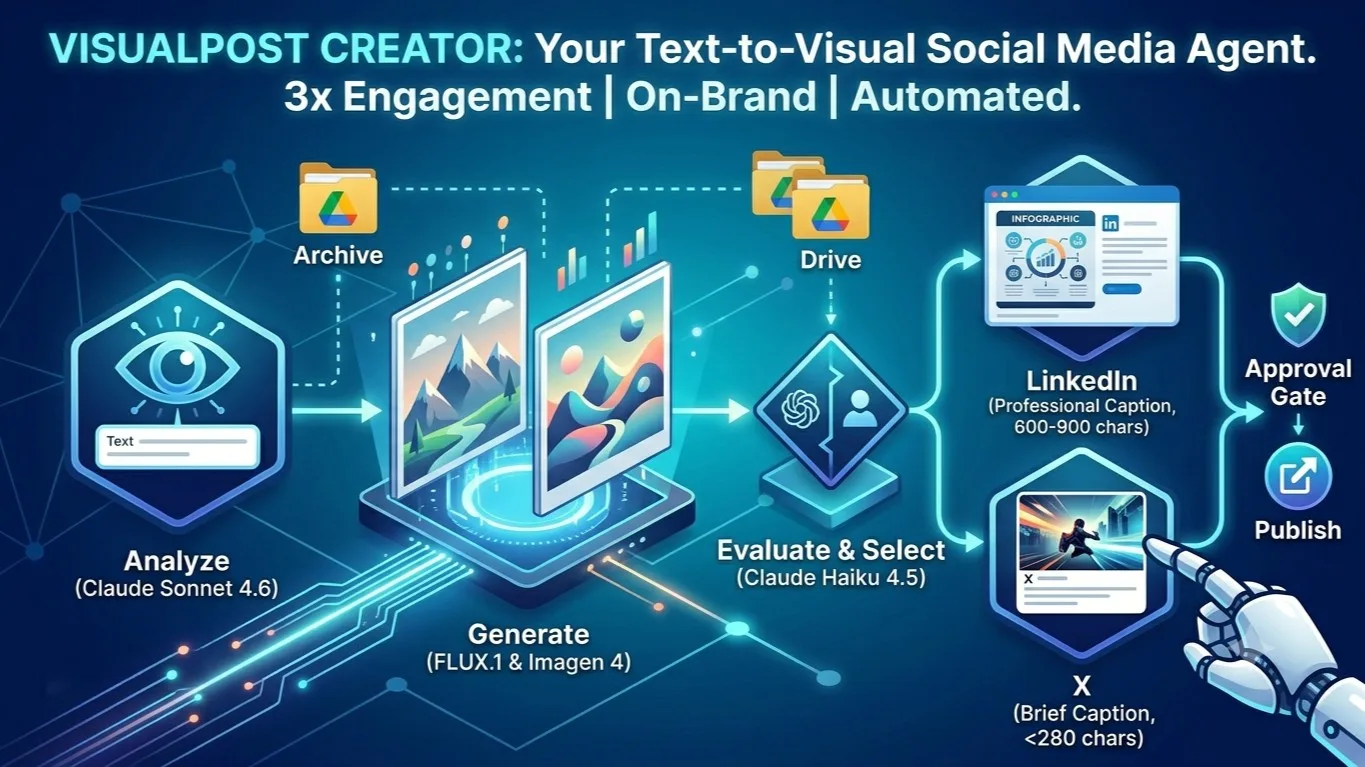
VIOverview The VisualPost Creator is an AIpowered social media content agent that transforms written topics or captions into stunning, onbrand visuals and readytopublish posts for LinkedIn and X forme
Content & MediaToday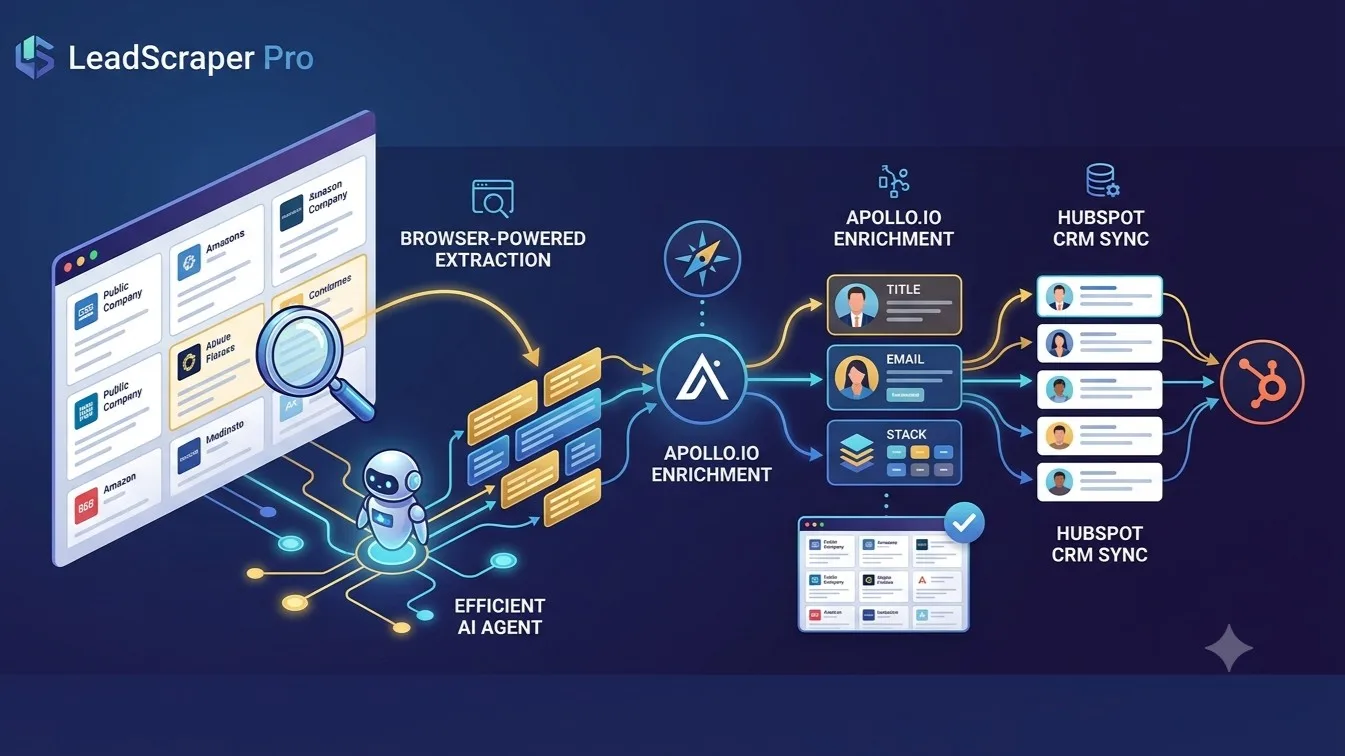 LE
LEOverview LeadScraper Pro is an AIpowered browser automation agent that transforms any webpage into qualified leads. It uses live web scraping to extract contact data from niche directories, competit
Prospecting +4Sales & RevenueToday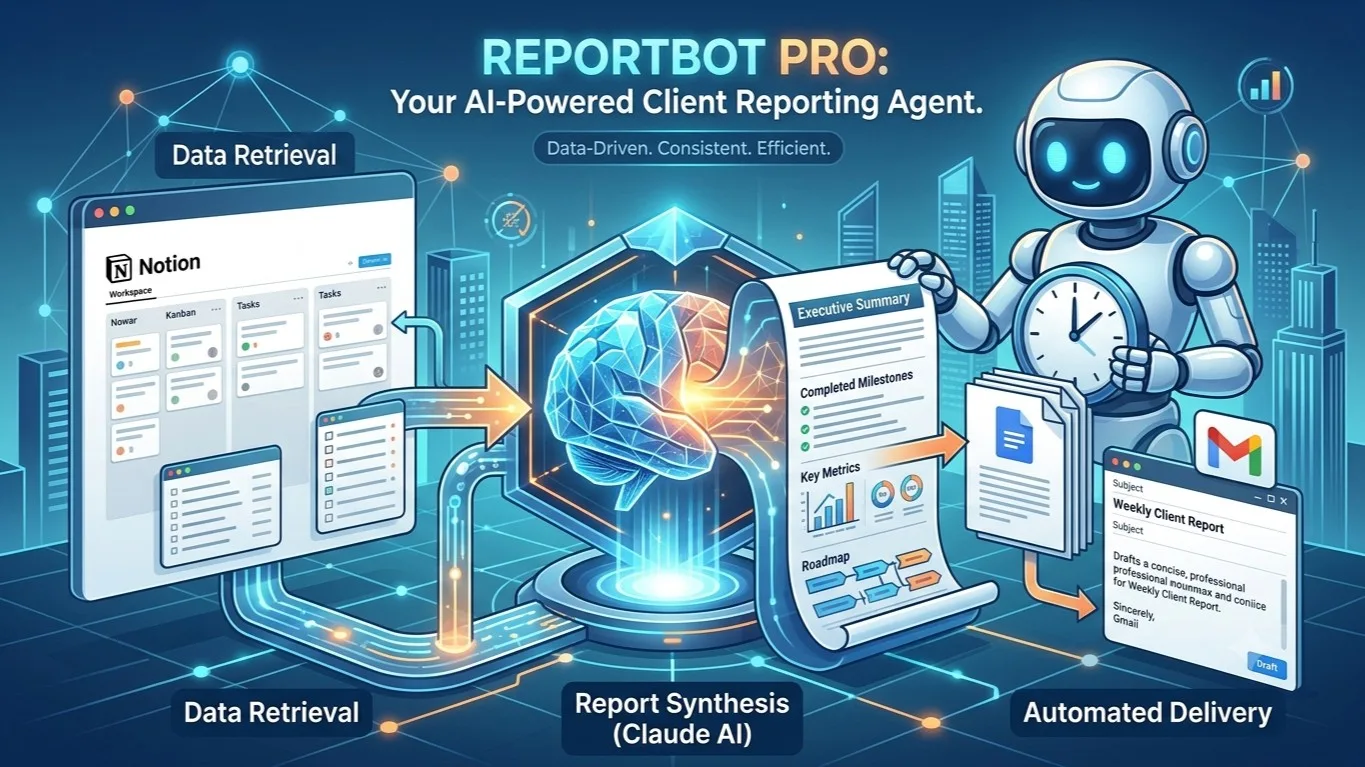 RE
REOverview ReportBot Pro is an AIpowered client reporting automation agent designed for freelancers and agencies that need to deliver professional, datadriven progress reports on a recurring schedule.
Workflow Automation +3CRM & Customer DataToday
You might also like
 TI
TIOverview TicketHub is an AIpowered support ticket aggregator that consolidates customer requests from multiple communication channels—Gmail, Slack, and Discord—into a centralized task management sys
Startups +5Operations & ProductivityYesterday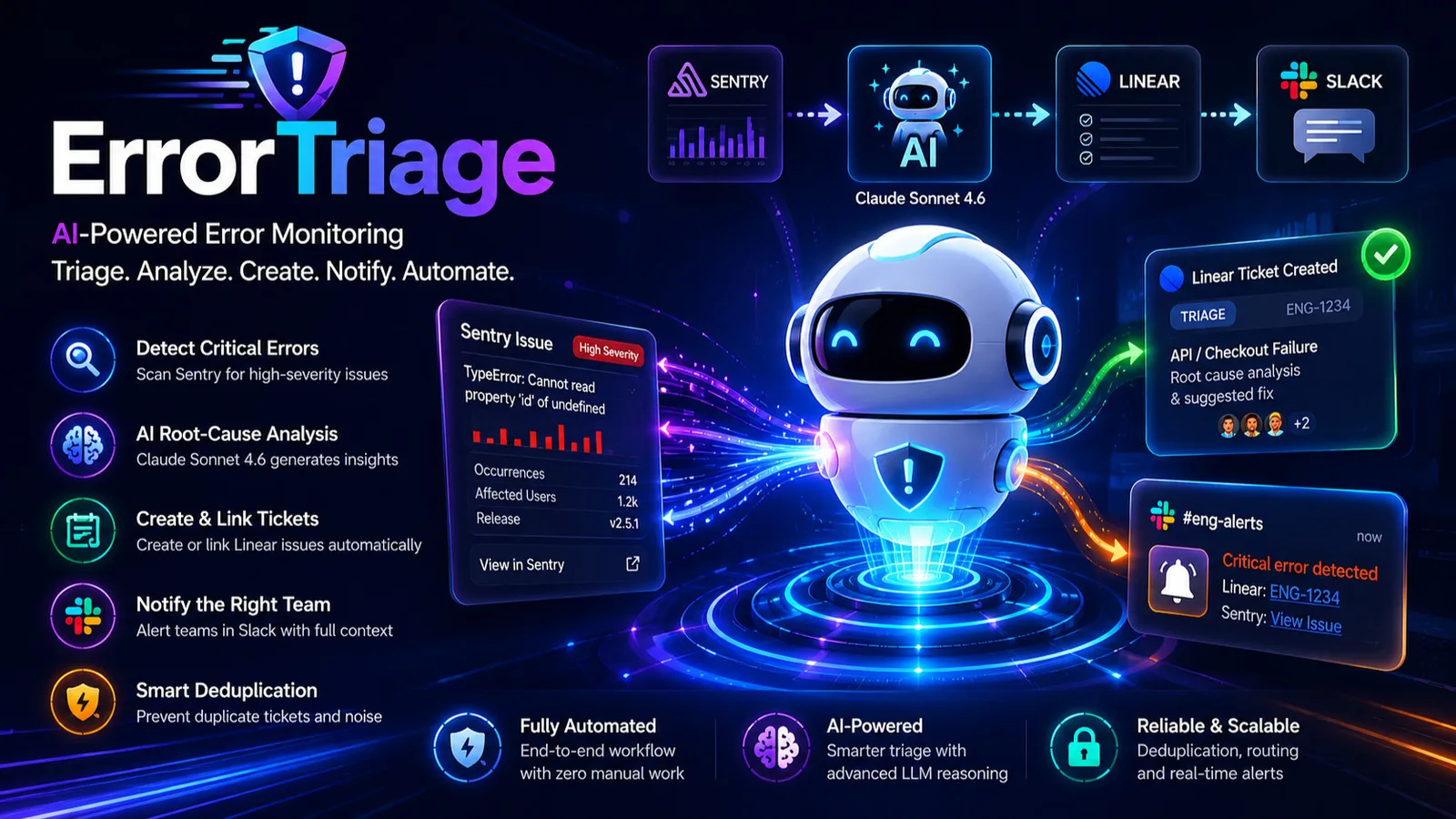 ER
EROverview ErrorTriage is an AIpowered error monitoring and incident management agent that automatically detects, diagnoses, and tracks critical issues across your stack. It monitors Sentry for highse
Data Analysis +4Engineering & Dev ToolsYesterday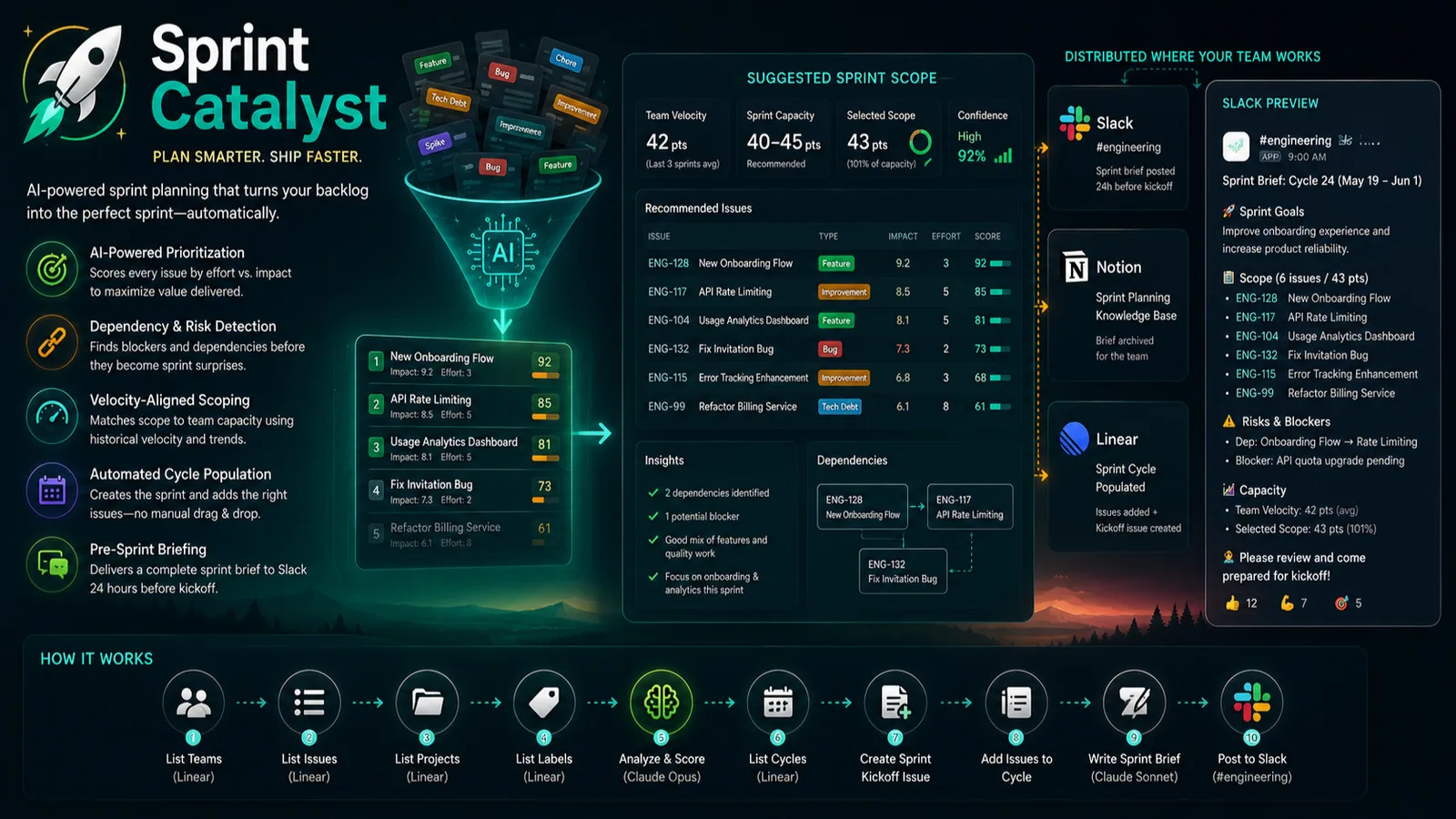 SP
SPOverview Sprint Catalyst is an AIpowered sprint planning automation agent that transforms unstructured engineering backlogs into optimized sprint scopes. It streamlines presprint preparation by anal
Startups +6Engineering & Dev ToolsYesterday
Packs by this creator
Discussion
Sign in to join the conversation.
Sign inNo comments yet. Be the first to share a thought.